Starting on Week 39 of 2026, we are going to be updating FD20 robots to software version 3.509 (see the details here).
For us to be able to update your robot, the following steps need to be fulfilled
- Make sure batteries are fully charged
- Take the droid outside with view to open sky
- Make sure that no safety button or wire is triggered
- Make sure that the robot has RTK connection
When you power up your robot, a cloud button will appear on the main page of the HMI.
When you have gone through the steps above and your robot is ready to be updated, press the cloud button.
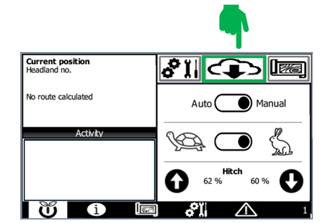
Then press “Update” and we will receive a notification that your robot is ready to be updated.
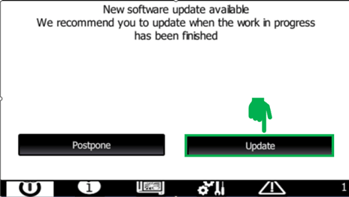
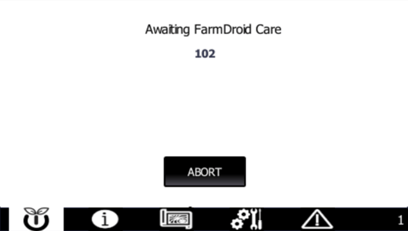
When you see this screen, it means that we will soon update the robot for you.